

How to get O&M documents from suppliers without chasing
It's two days before handover. You're emailing a supplier about a boiler you bought in March. The rep who sold it has left. What comes back is a 60-page brochure for the entire range, and none of it is quite the model you fitted.
You reply with the model number. You wait. You reply again, this time with "Just following up" and a tone you hope reads as friendly.
Chasing supplier documents is one of the usual reasons O&M manuals run late. The good news: most of that chasing is avoidable. It takes a change in timing and a few lines of wording you can copy.
Why supplier documents arrive late
Suppliers aren't usually being difficult. It's more that:
- Nobody asks until the end. The request lands months after the order, when the supplier has no particular reason to prioritise it.
- The request is vague. "Can you send the O&M info?" gets you a brochure, not installation and maintenance instructions.
- It goes to the wrong person. Sales contacts don't always have technical documents to hand.
- Nobody records what's arrived. So the gaps only show up when someone starts assembling the manual.
Every one of those is a process problem. Which is good news, because a simple process fixes it.
Ask when you order, not when you hand over
The best time to get documents from a supplier is while they're waiting for your order. You're a customer they want to keep, they know exactly which model you're buying, and they'll send what you ask for.
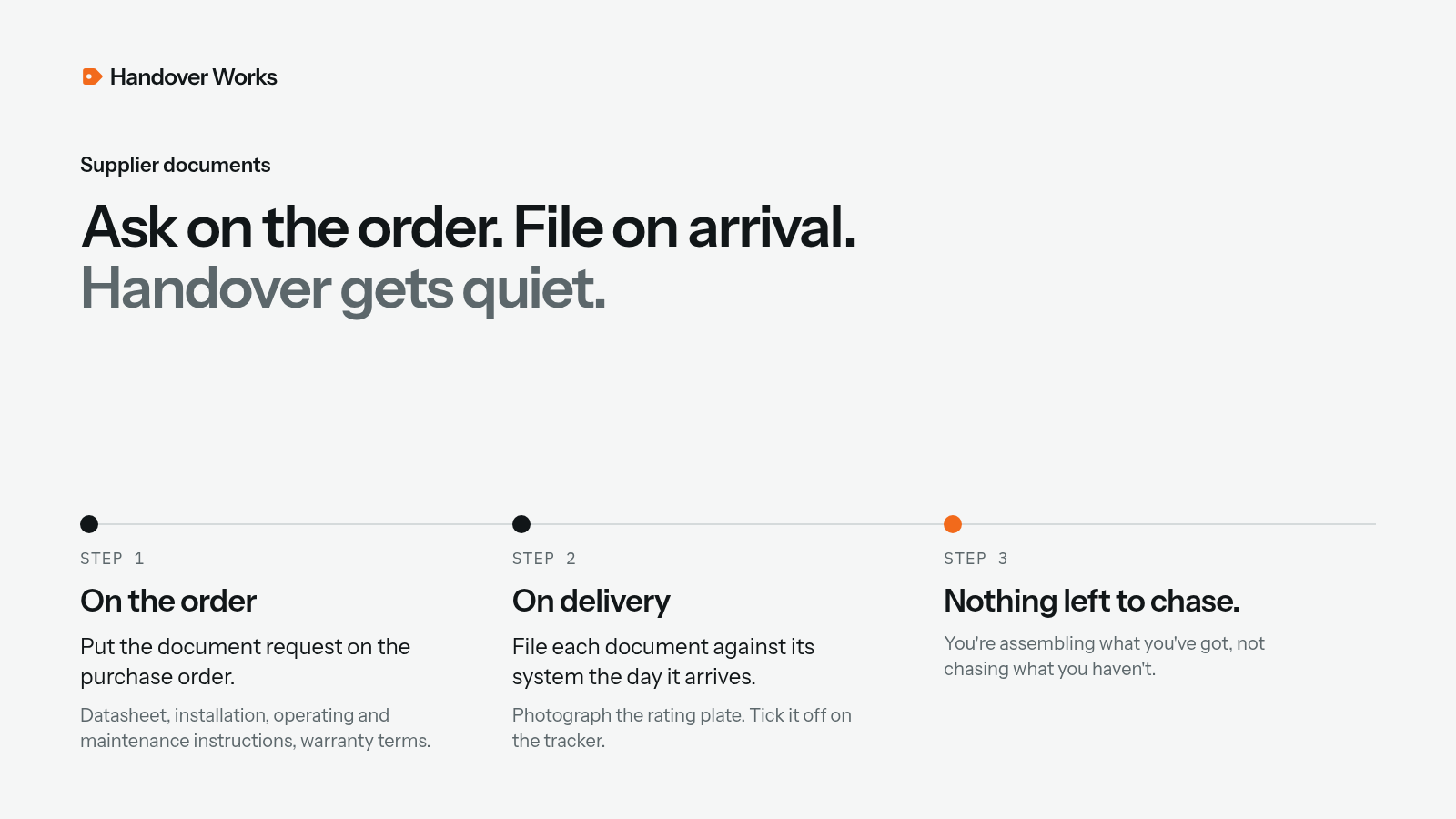
So make the request part of ordering, not part of handover. That one change moves the work out of the worst week of the job and into a step nobody even notices.
Exactly what to ask for
Be specific, or you'll get the brochure. For each item, ask for:
- Product datasheet for the exact model and variant ordered
- Installation instructions
- Operating and user instructions
- Maintenance and servicing instructions, including recommended intervals
- Warranty terms, including any registration steps or conditions such as annual servicing
- Spares information, with part numbers for common consumables
- Declarations or certificates the product comes with, where relevant, such as a declaration of conformity
Ask for PDFs, named by product. Future you, assembling the manual, will be grateful.
Put it in writing on the purchase order
The most reliable place for the request is the purchase order itself, so it travels with every order and nobody has to remember. A short standard paragraph is enough. For example:
"Please supply, with the order confirmation or before delivery, PDF copies of the datasheet, installation instructions, operating instructions, maintenance instructions and warranty terms for each item on this order, specific to the model supplied. These are required for the operation and maintenance manual."
If your purchasing system lets you add standard terms, add it there. If not, keep it as a saved snippet. Our free supplier document request template has ready-to-use wording for the purchase order, a follow-up email and a final reminder.
Track what's come in, system by system
A request only helps if someone notices when the reply doesn't arrive. Keep a simple tracker per job. For example:
| Item | System | Supplier | Requested | Received | Notes |
|---|---|---|---|---|---|
| Boiler (model) | Heating | Supplier A | On PO | Yes | Warranty needs annual service |
| Fire alarm panel | Fire | Supplier B | On PO | Chased | Ask for programming summary |
A spreadsheet is fine. What matters is that documents are filed against their system the day they arrive, not left to mature in an inbox. When it's time to assemble the manual, the gaps are obvious.
One more habit worth stealing: photograph the rating plate of each item as it goes in. Five seconds, and you've got the model and serial number, often the hardest details to find later.
Watch out for kit you didn't order
Not everything on your O&M list comes through your own purchase orders. Watch for:
- Free-issue equipment supplied by the client or main contractor. Ask at the start who provides the documents for it, and get the answer in writing.
- Specified packages bought through a nominated supplier, such as a packaged plant item or a controls panel. These often come with the supplier's own O&M section. Ask for it in the format you need, and early.
- Specialist subcontractors working under you, such as a commissioning engineer or a fire alarm programmer. Their certificates and reports belong in your manual too, so put the requirement in their order as well.
These are the items most likely to be missing at the end, because nobody felt they owned them.
When a supplier goes quiet
Even with a good process, some documents won't turn up. A few tactics help:
- Chase before you pay the invoice. That's when you still have their full attention.
- Go to the manufacturer. Many manufacturers publish installation and maintenance instructions on their websites or have a technical support line. A distributor may be slower than the source.
- Ask for the specific model. If you get a range brochure, reply with the exact model code and ask for the matching documents.
- Record what you asked for and when. If a document is genuinely unavailable, a clear record helps you explain the gap to the main contractor or client.
Make it a habit across the firm
The real gain comes when every project manager does this the same way:
- Add the paragraph to your purchase order template once, centrally.
- Make "documents received" a column on your materials tracker.
- Include a document check in your pre-commissioning meeting.
- Agree who owns the O&M manual on each job from the start.
None of this needs new software. It just needs the request to go out at the right time, every time.
Putting the manual together
When documents arrive as the job goes, the end of the job feels very different. You're not scrambling. You're assembling what you've already got.
That's where we come in. Paste the job's product list. AI finds the manufacturer manuals online and sorts them by system. Add your test sheets and certificates, then check it and approve it, and nothing is published until you do. Your client opens it by scanning a QR label on the kit. Start free, and pay when you publish. The O&M manual that writes itself. Opens in one scan.
Start with the supplier request template on your next order. Then scan the sample manual.